
Philips Zoom teeth whitening.
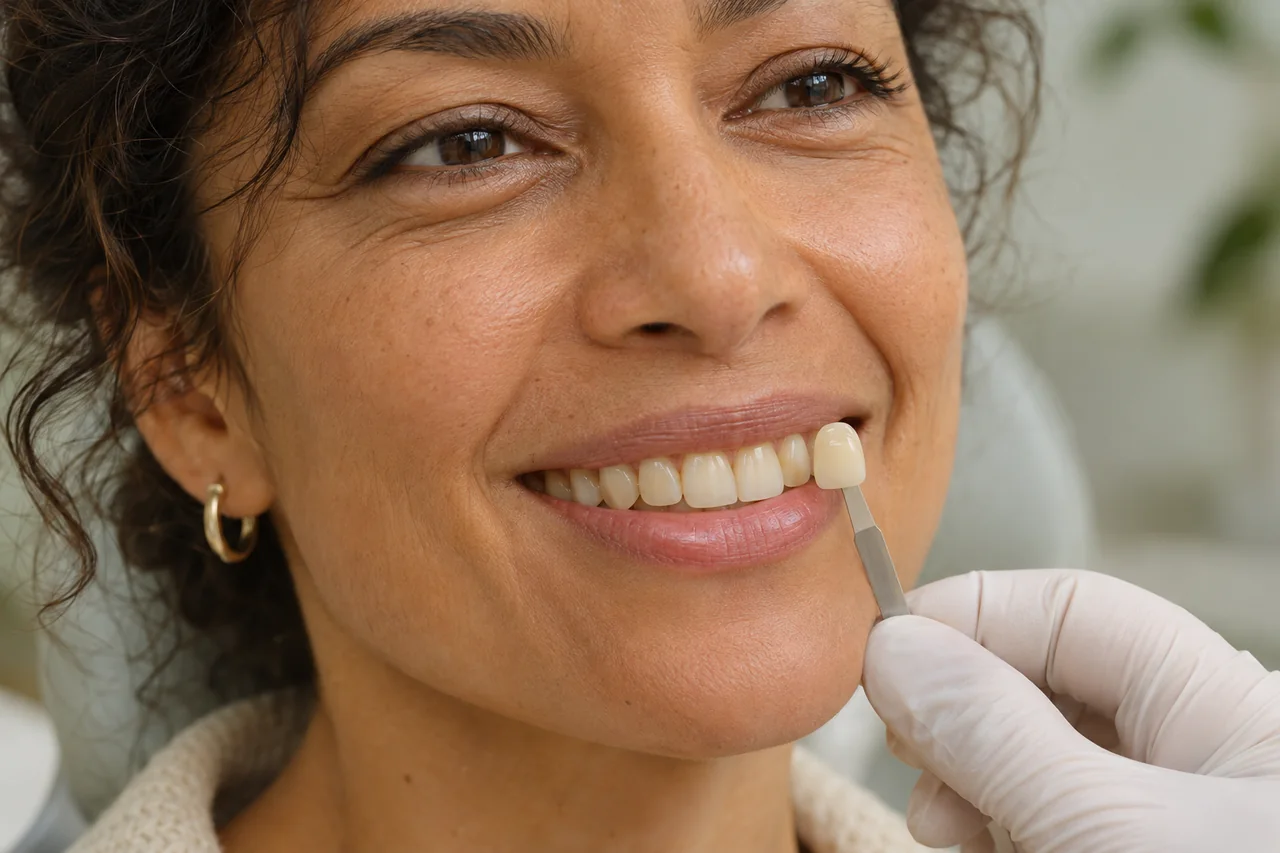
We use Philips Zoom Professional Teeth Whitening to brighten natural teeth. Before treatment, we’ll look at what’s causing the discoloration, record your starting shade, and talk about how much of a change you would like.
Your whitening appointment
If coffee stains, years of discoloration, or a particular front tooth brought you in, tell us. The cause matters when choosing a whitening plan.
- Check your starting shade
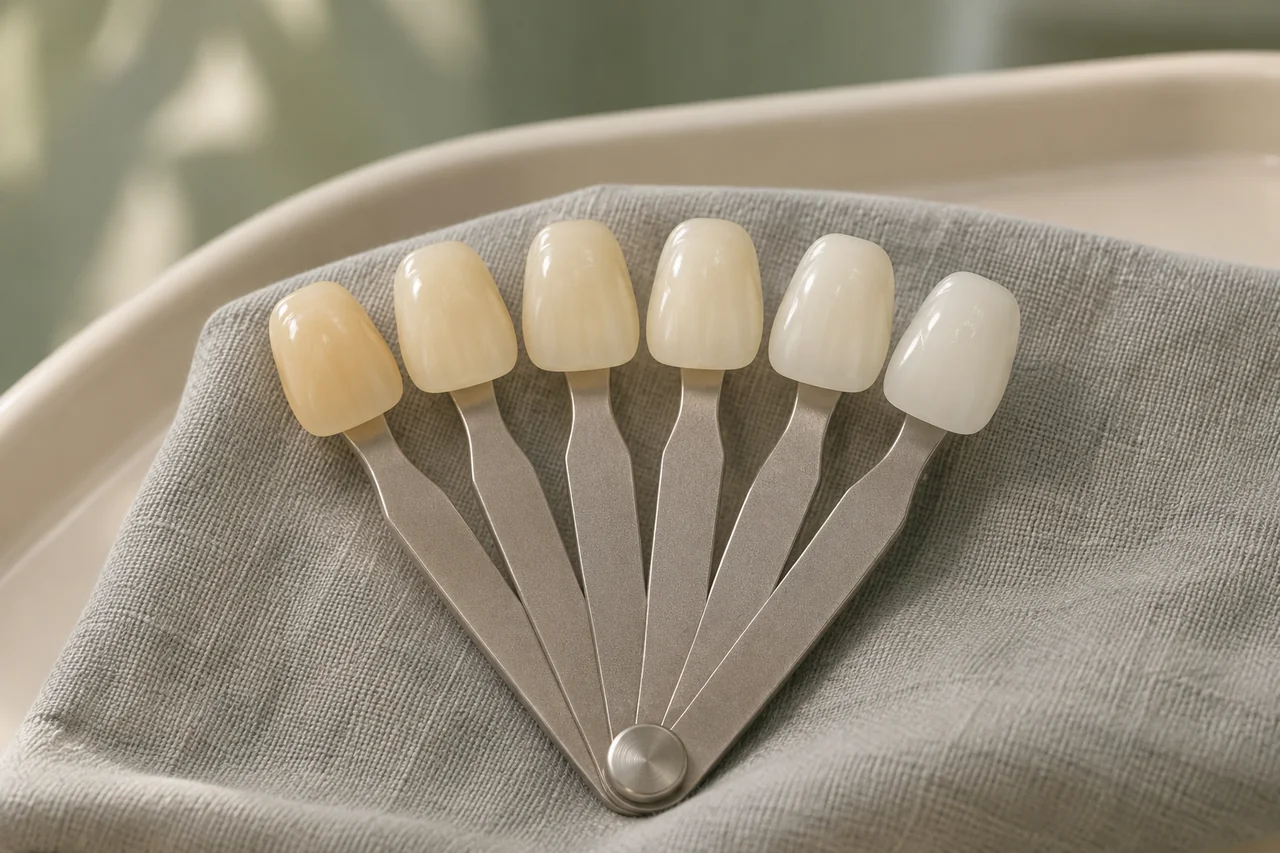
- Your dentist checks your teeth, gums, and visible fillings or crowns. We compare your enamel with a shade guide and ask about past sensitivity so we can set realistic expectations together.
- Whiten under supervision
- For in-office Zoom treatment, your team protects your lips and gums, applies professional whitening gel, and monitors your comfort during timed applications. Let us know how your teeth feel along the way.
- Compare your shade and plan aftercare
- We compare the result with your starting shade and explain how to manage temporary sensitivity. We’ll also discuss how your usual coffee, tea, or other staining habits may affect the color over time.
Getting ready for Zoom
Will whitening change my crowns, fillings, or veneers?
Whitening gel works on natural teeth. Crowns, veneers, and tooth-colored fillings keep their existing shade. If a restoration shows when you smile, we’ll discuss how whitening may affect the overall match.
What if I have sensitive teeth?
Tell us before your appointment, even if the sensitivity comes and goes. We can discuss your options and whether it makes sense to address a sensitive area first. Some people notice temporary sensitivity after whitening.
How white will my teeth get?
Your starting shade and the type of stain influence the result. A shade check can help us discuss a realistic change. We’ll review what you see afterward before discussing any future touch-ups.
YOUR NEXT CHAPTER
A healthier smile.
A warmer welcome.
Find your neighborhood practice.
We look forward to getting to know you.